Convert FDX to Fountain.
A Final Draft file in, plain text out: readable in any editor, and yours to keep.
Free. No account. Your file is not uploaded.
Three steps
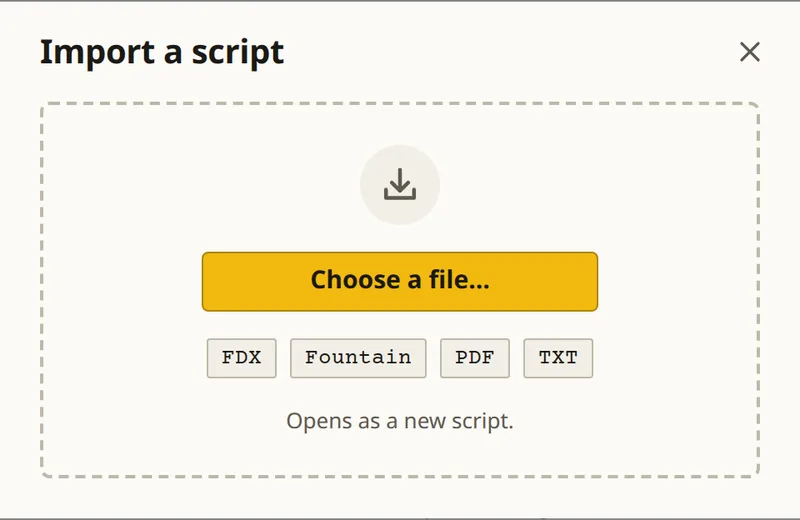
- Press “Choose a file” and pick your .fdx.
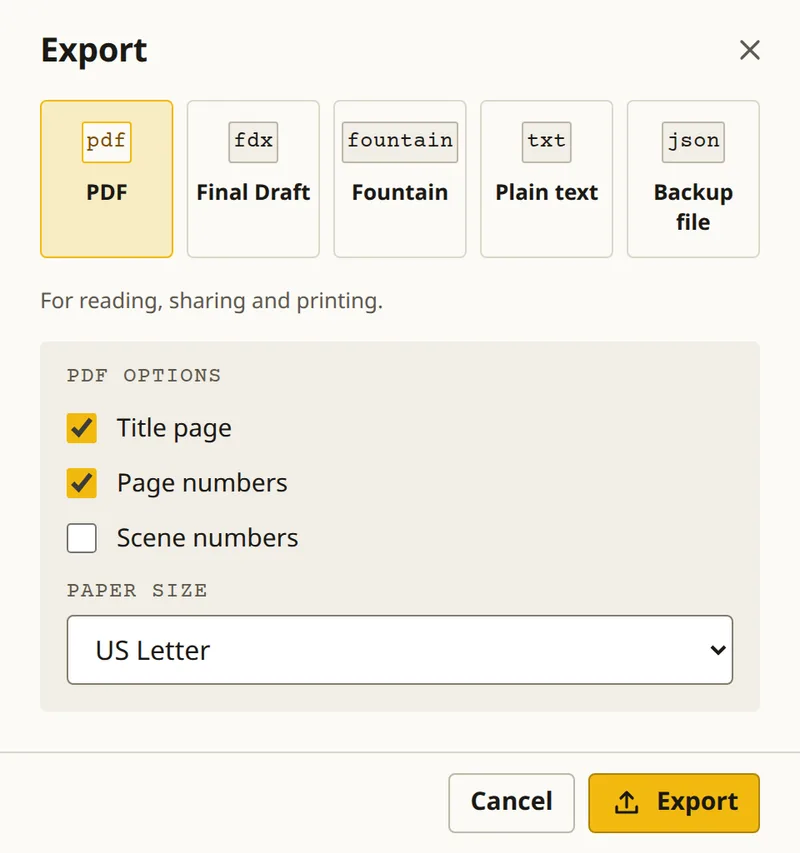
- Press Export and choose Fountain.
- Save the .fountain file. It opens in any text editor.
Worth knowing
Plain text lasts
A Fountain file needs no particular program, now or in twenty years.
Both ways
Open a .fountain file and export Final Draft, and you have gone the other way.
Nothing is uploaded
The file is read and converted in your browser, on your device. It is never sent to a server.
Questions
What is kept?
Scene headings and their numbers, action, characters, dialogue, parentheticals, transitions, notes and the title page.
Do I need Final Draft?
No. Act Break reads the .fdx format itself.
What if something does not come through?
Tell us from “Report an issue” in the app’s menu, and attach the file if you can. It is how the converter gets better.