Convert PDF to FDX.
Turn a screenplay PDF back into a script you can edit, and save it as a Final Draft file.
Free. No account. Your file is not uploaded.
Three steps
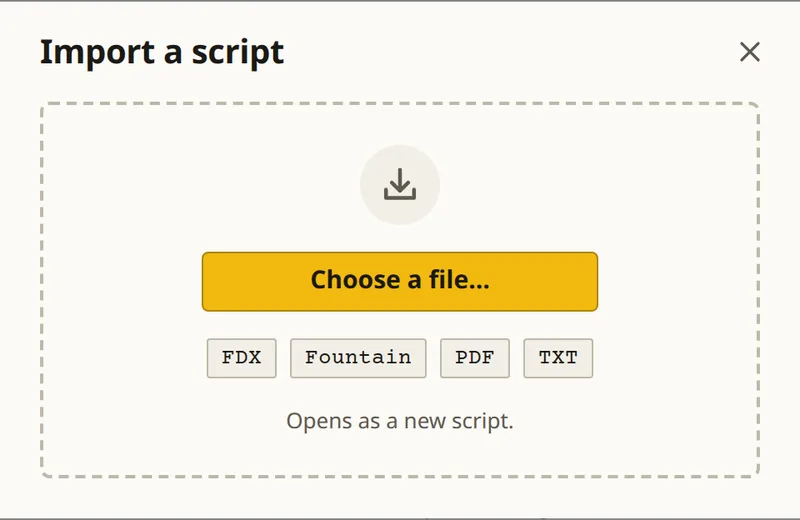
- Press “Choose a file” and pick the PDF.
- Read the script through: each line is recognised by where it sits on the page.
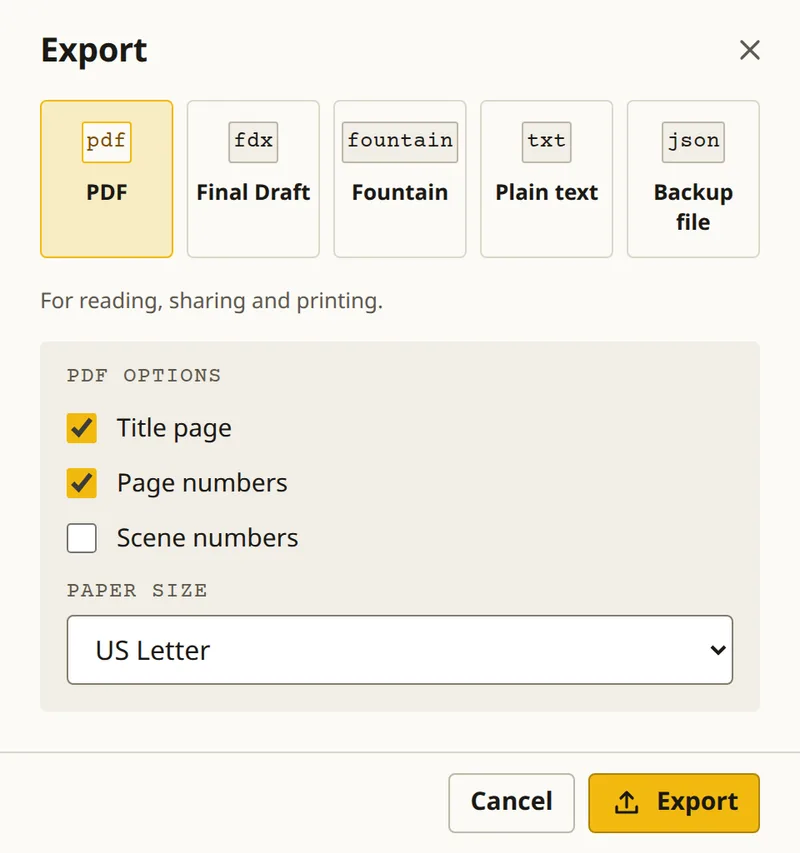
- Press Export and choose Final Draft.
Worth knowing
For PDFs with text in them
It reads PDFs saved from screenwriting software, where the words can be selected. A scan is a picture of a page, and cannot be read.
A best effort
Scene headings, characters and dialogue are told apart by their position, so check the result. Two-column pages and right-to-left scripts are not handled.
Nothing is uploaded
The file is read and converted in your browser, on your device. It is never sent to a server.
Questions
Does it work on any PDF?
On a PDF laid out as a screenplay, with text you can select. It tells the lines apart by their indents, so another kind of document will not come out as a script.
Can I fix what it got wrong?
Yes. It opens in a full editor: put the caret on a line and press Tab to change what the line is.
What if something does not come through?
Tell us from “Report an issue” in the app’s menu, and attach the file if you can. It is how the converter gets better.