Open an FDX file.
Read and edit a Final Draft script in your browser, without Final Draft.
Free. No account. Your file is not uploaded.
Three steps
- Press “Choose a file” and pick your .fdx.
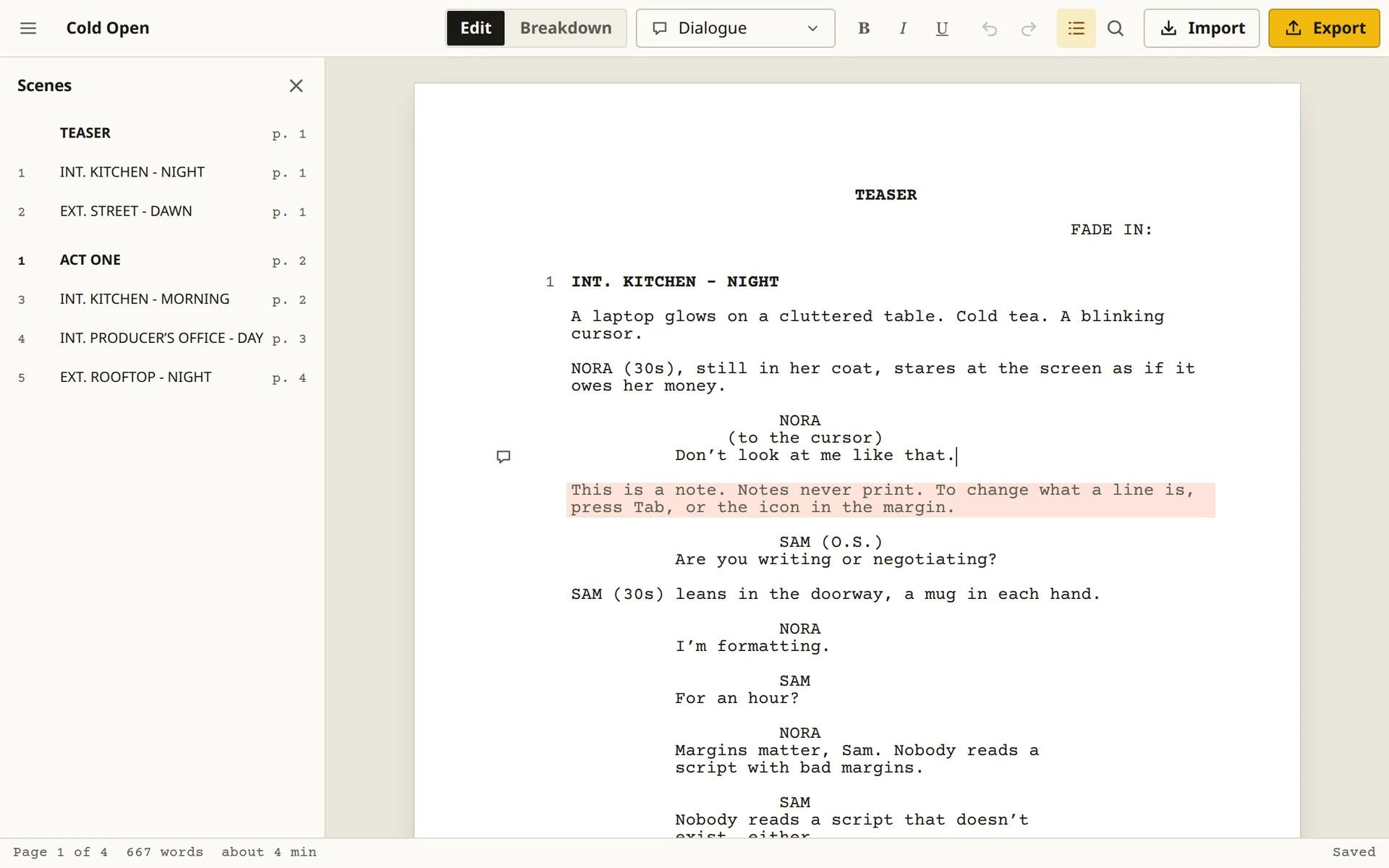
- It opens as a script, with its scene headings, characters, dialogue, scene numbers and title page.
- Read it, change it, and save it as a PDF, a Final Draft file, Fountain or plain text.
Worth knowing
Nothing is uploaded
The file is read and converted in your browser, on your device. It is never sent to a server.
Free, with no catch
No limit on scripts or pages, no watermark and no account.
On any device
A computer, a tablet or a phone. After the first visit it opens offline too.
Questions
Do I need Final Draft?
No. Act Break reads the .fdx format itself.
Can I save it as a Final Draft file again?
Yes. Export writes .fdx, so the script can go on to someone who uses Final Draft. Script notes stay here and in Fountain; they are not written into the Final Draft file.
Does dual dialogue come through?
Yes. Two speeches spoken at once are set side by side on the page and in the PDF, as they were written.
Which versions of Final Draft?
Files saved by Final Draft 8, 10, 11, 12 and 13 were opened in testing. A script set up on its own template there, as most TV scripts are, is laid out here on the standard screenplay page, so its page count can differ, and the app says so when it opens one.
What if something does not come through?
Tell us from “Report an issue” in the app’s menu, and attach the file if you can. It is how the converter gets better.