Convert FDX to PDF.
A Final Draft file in, a formatted screenplay PDF out. No Final Draft needed.
Free. No account. Your file is not uploaded.
Three steps
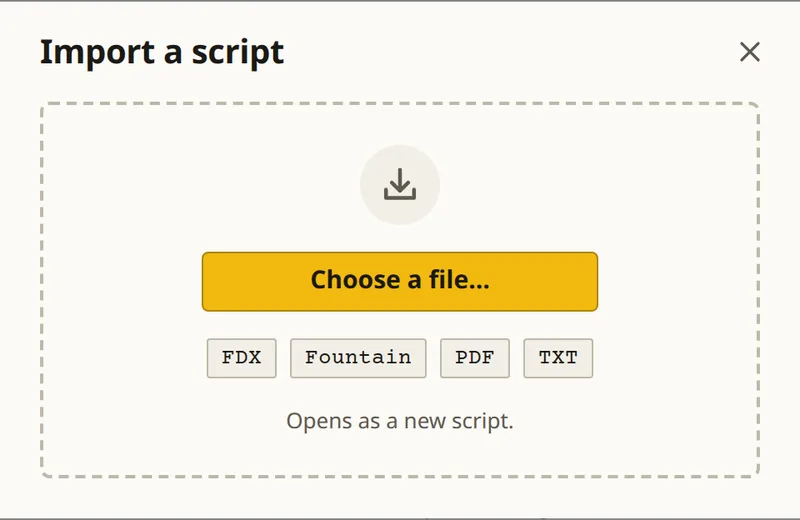
- Press “Choose a file” and pick your .fdx.
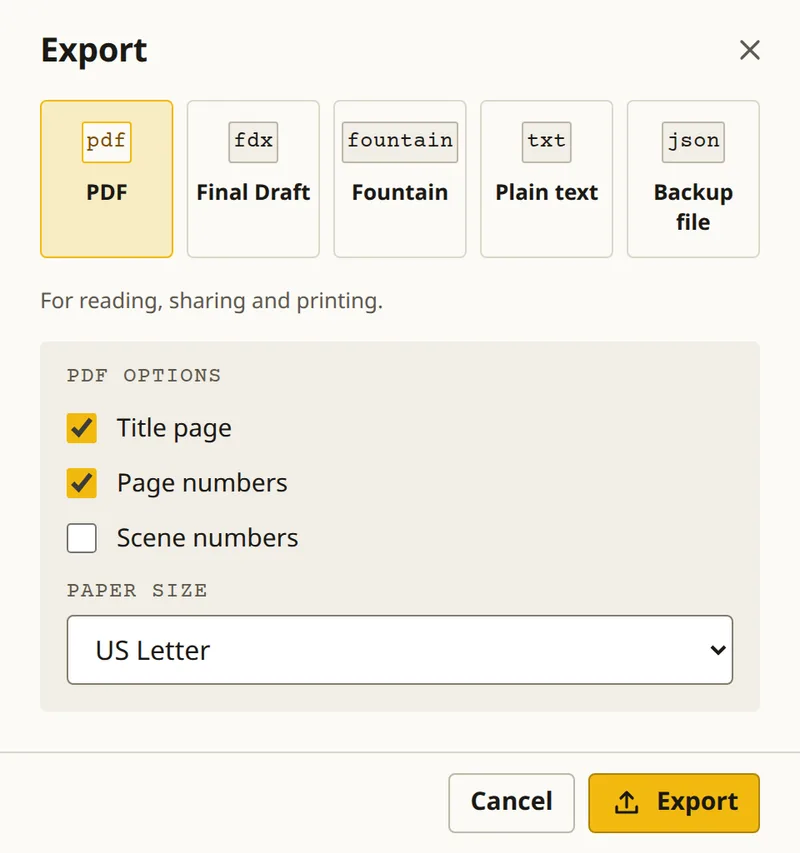
- Press Export and choose PDF.
- Choose the title page, page numbers, scene numbers, and US Letter or A4. Then export.
Worth knowing
A screenplay page
Twelve-point Courier and the standard margins. A speech that crosses a page break carries (MORE) and (CONT’D).
No watermark
Nothing is stamped on the PDF, and there is no limit on pages or scripts.
Nothing is uploaded
The file is read and converted in your browser, on your device. It is never sent to a server.
Questions
Will the page count match Final Draft’s?
For a script on Final Draft’s standard screenplay page, it should: a line here holds as many characters as Final Draft puts on it, and pages break by the same rules. Checked on 21 November 2026 against PDFs Final Draft printed: on the same template, the same number of pages, and 98 or 99 lines in every hundred broken in the same place. A script set up on its own template in Final Draft, as most TV scripts are, is laid out here on the standard page, and the app says so when it opens one.
Can I change the script first?
Yes. The file opens in a full editor, and the PDF is made from what you see.
What if something does not come through?
Tell us from “Report an issue” in the app’s menu, and attach the file if you can. It is how the converter gets better.